








Do I Need a Headset for Sales Calls?

Ways to Sound Like a Pro
Now that you know the importance of crisp, clear sound, let’s look at ways to obtain it—without breaking the bank. Below are some recommendations for headsets as well as mic + headphone combinations under $100. Note that TRAQ is not affiliated with these companies in any way. Prices are listed at the time of writing and may vary.

P.S. Bonus Video Tip for Laptop Users
Video conference after video conference, you are probably spending hours looking down at the computer’s camera at a less than ideal angle.
Here’s a simple fix to increase comfort and look your best on video calls: get yourself a cheap USB keyboard, then prop up your laptop on a stand or stack of books to make sure the camera is at eye level.

Conversation Intelligence vs Call Recording:
What Actually Moves Revenue
Call recording creates archives. Conversation intelligence creates action. If your team is generating thousands of calls a month and nobody is listening to them, you're not missing a tool. You're missing visibility. Conversation ...
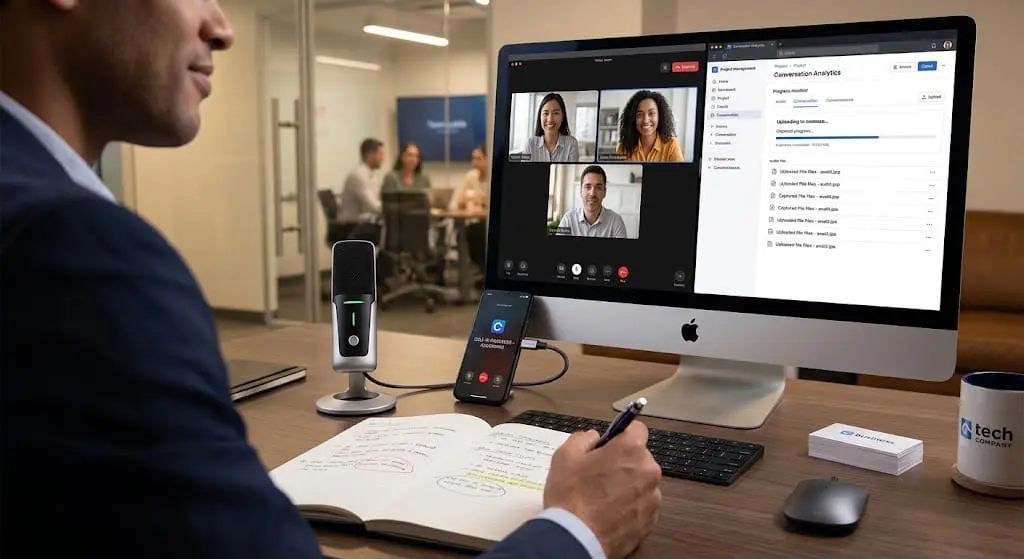
Some of Your Most Important Sales Conversations Never Make It Into Your Tech Stack
Sales does not happen in one place. Your sales intelligence should not either. TRAQ’s Desktop Recorder and Mobile App capture conversations no matter how or where they occur.
Salespeople do not sell in one place. They meet with ...

Your Conversations Shouldn’t Live in an Application
Adam Rubenstein, CEO of TRAQ, makes one central argument: your sales conversation data is valuable, but it's trapped inside an application most of your company never opens.
Here's the core problem he's solving:
TRAQ already analyzes ...
No results found.